
Uploading
Create a site in the admin, then drop files onto it.
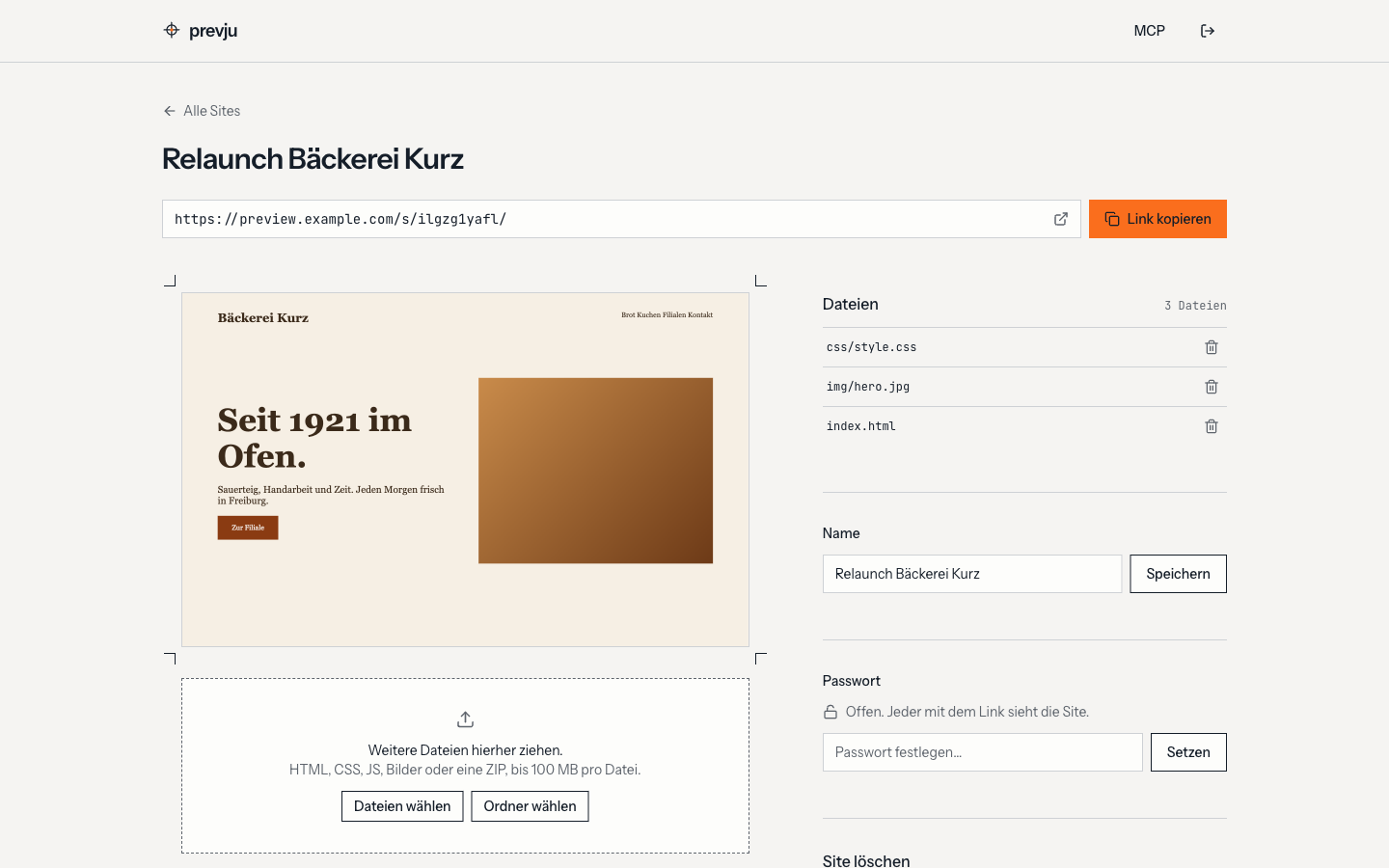
- Folders: drag a whole folder, the structure is kept. On the first upload a single wrapping folder (
dist/…) is removed, sodist/index.htmlbecomes the start page. - Zips: unpacked on upload, again without a single wrapping folder.
__MACOSXentries are skipped. - Single files: HTML, CSS, JS, images, fonts. Up to 100 MB per file.
- Start page:
index.html. Without one, the first.htmlfile is served.
Uploads run one file at a time with progress; failed files can be retried. Deleted files and sites can be restored for five seconds via Undo.
Before uploading a built app, check What works.
Passwords
Every site can have its own password. Clients see an unlock page with the site's name. Changing the password logs nobody out who already unlocked, removing it makes the site public.
Preview in the admin
Each site card shows a live preview of the draft. Previews run sandboxed, scripts in a draft can't reach the admin.